AI Workshop
Local AI Workspaces
Three tools, one ecosystem: MCP server, project management, and AI planning — everything runs locally on your Windows machine. No cloud, no data leaks.
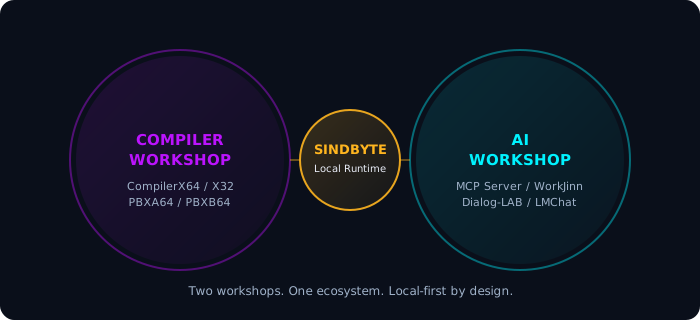
Two workshops, one ecosystem — local-first by design.


SindByte MCP Server
Coming SoonLocal MCP endpoint on port 5555. 239 host-callable tools in 19 families + Core. Registration logic, operator surfaces, controlled execution.
- Port 5555, localhost default
- LM Studio, Roo, Codex, VS Code
- Short + Full registration
- Dialog-LAB + LMChat integrated

WorkJinn
ActiveAI-powered project management and agent orchestration. Task distribution, progress tracking, and team coordination — all local.
- Agent-based work distribution
- Project and task tracking
- Integration with SindByte MCP Server
- Local execution without cloud
Soon available
Details

How to start the MCP Server
cd "<extracted-folder>"
.\SindByte 01.exe
Server starts at http://127.0.0.1:5555/mcp
"mcpServers": {
"sindbyte": {
"type": "streamable-http",
"url": "http://127.0.0.1:5555/mcp"
}
}
Configuration for your MCP host
ToolCatalog.ListCategories
ToolCatalog.ListTools
spr_server_assistant
First safe calls to test
Free for private use
All AI Workshop tools are free for private users. For business and commercial use, the path leads through Smart Package Robot.